

Articles
Editor’s Picks
SMART Technologies’ SEE Summit Connects Educators and Students with Developers
By Henry Kronk
July 23, 2018
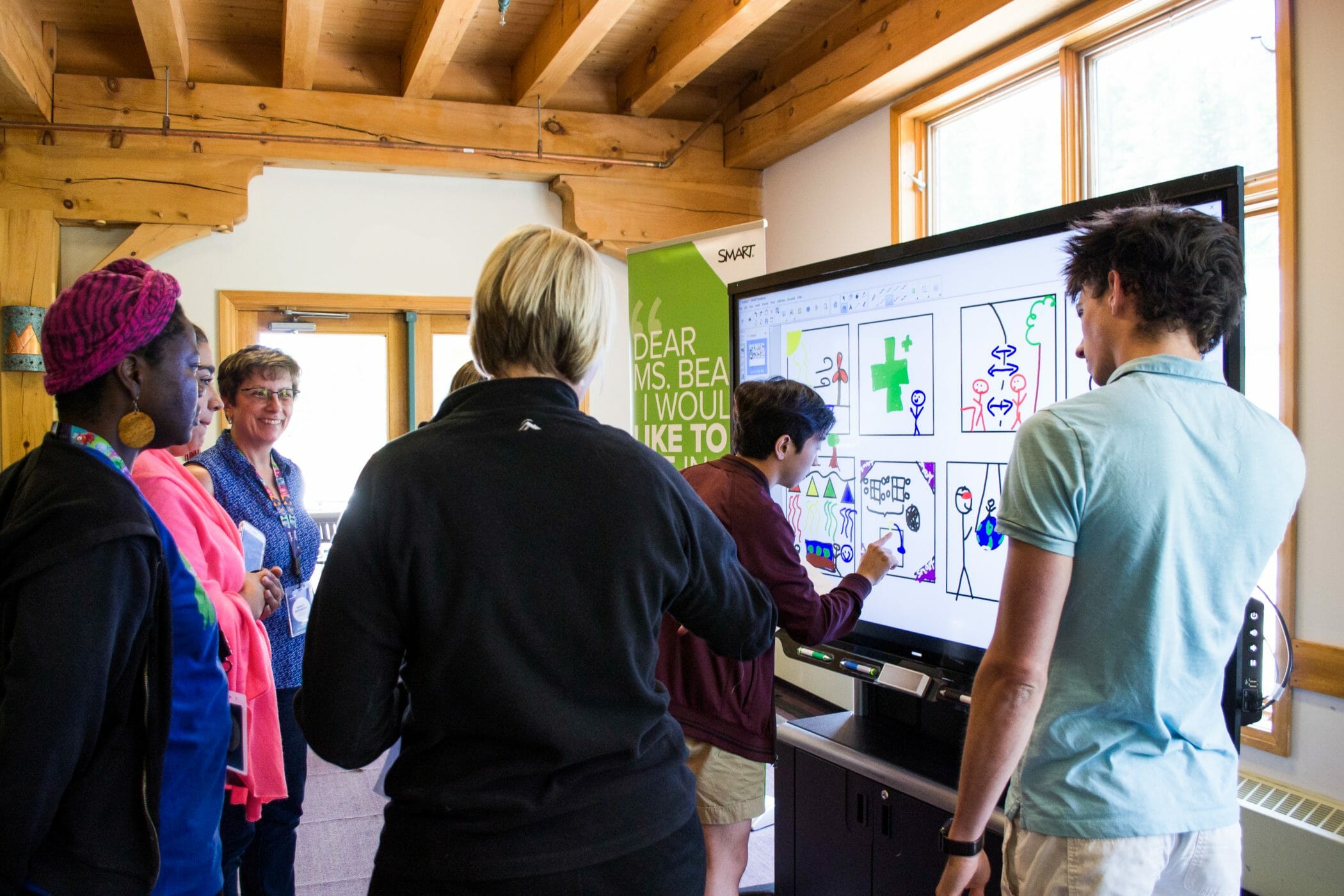
At annual Edtech conferences, participants often attend to hear about a company’s newest products, network, or even get the word out about their own business. But at SMART’s Exemplary Educators (SEE) Summit and Hackathon, participants are there for a different reason. The event brings together an international group of educators, students, and SMART developers to improve their products for the classroom.
The process begins months in advance by sorting participants into small groups. They then meet for the first time via videoconference and throw out a few ideas. Developers might reveal a few things they’ve been working on, while teachers and students mention aspects of SMART devices they like, things that can be improved, or features they’d like to see.
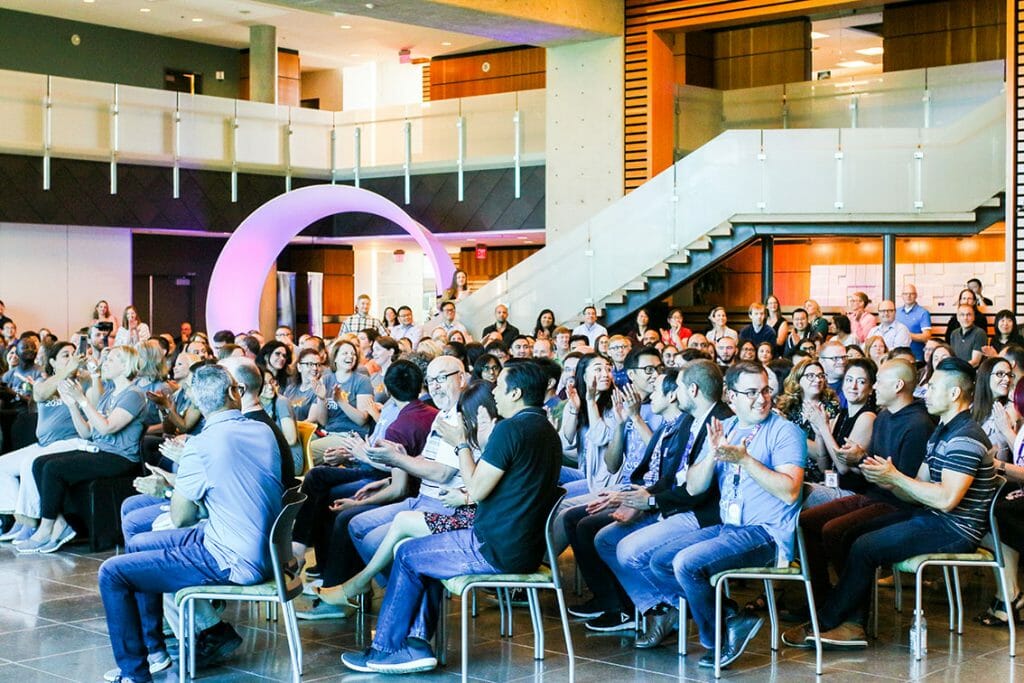
The Contributions of SMART Exemplary Educators
All participants sign an NDA to keep new developments under wraps. But Donna Hafner, who has taught in public schools in San Antonio and Round Rock, TX for the last 32 years, saw the hack her team developed last year become a reality shortly after.
The idea emerged out of wanting to be able to collaborate with remotely located students and classrooms in the same digital space. A few months later, SMART Workspaces emerged, which allows learners to do just that. The outcome for Hafner wasn’t just useful for the classroom, it was gratifying.
“I remember thinking, ’Wait a minute — that was my idea. That was my thinking. And they really listened,’” Hefner said. “To know that a developer, somebody that is not in education, is listening to what the classroom teacher is saying, to know that my voice is being heard, to open it up in the classroom and say, ‘Yeah, I had a part in this,’ is really an awesome feeling.”
Collecting International Perspectives
Another instructive aspect of SMART’s SEE Summit is the perspective of educators from around the world.
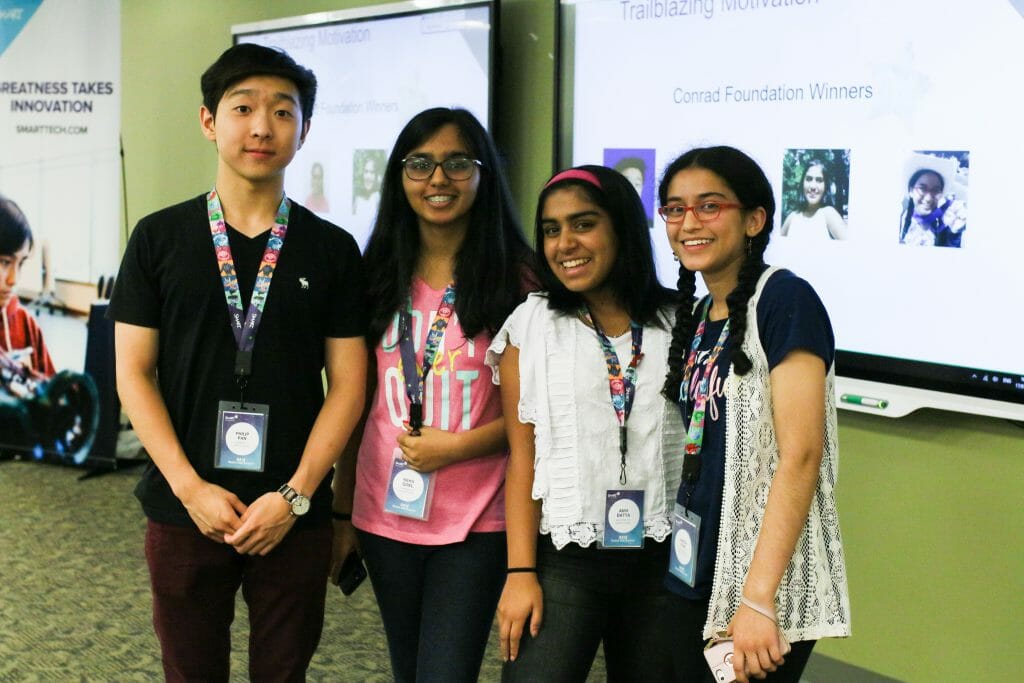 “We have people from all around the world,” said Philip Pan, a student at Thomas Jefferson High School for Science and Technology in Herndon, VA. “Listening to the different needs of the educators based upon their classroom set up, the logistics of their school districts, was really unique because each one of them brought in a specific need that they wanted to achieve by the end of the end of the Hackathon.”
An issue as small as whether or not to include student names in online groups or workspaces, for example, gets controversial. Many North American educators need to put an emphasis on student data security and often push to have no names. But elsewhere in the world, educators want student names attached. They want to be able to see who is participating.
The summit wrapped up last week, but the collaboration is not over. “During this summit, students and groups of educators get to work with our developers, but it goes far beyond just this week,” said Katie Novak, Brand Marketing Manager at SMART. “It’s not just gathering ideas and having fun. Our whole product development team take very seriously the feedback that’s given and the ideas gathered here this week during the Hackathon. Frequently ideas that are presented here this week—whether they’re winning ideas or not—are worked into our software.”
And for educators, the experience is invaluable to see how SMART products can be used in the classroom. “I’m going home this year, like I did last year, with a brain full of new ideas and new things that I can use in my room, new ways to incorporate Smart software and hardware to get my students to achieve the best that they can,” Hafner said.







[…] How to Make Your Startup Look Professional Right From the Start eLearningInside News “startups when:1d” – Google News […]